CSS-The Web Page Artist
What is CSS?
Cascading Style Sheets is a language which is used to style a web page. The basic structure of web page is created using HTML. Now to style it for ex- changing background color, color of text, using different types of text etc. we use CSS. HTML is like bone structure of our body and CSS adds skin to the bone structure.
Cascading means to resolve which rules to apply when multiple/conflicting styles apply to a same element. Stylesheet is basically the set of rules stored as a document
How elements are selected?
To apply CSS we need to know which element to target. It is not like that we would apply the same style to each and every element of the web page. That will make our website very boring. So we need some type of rules/selectors so that we can target those specific elements. CSS offers three type of selectors to tackle this problem.
1.Element Selector
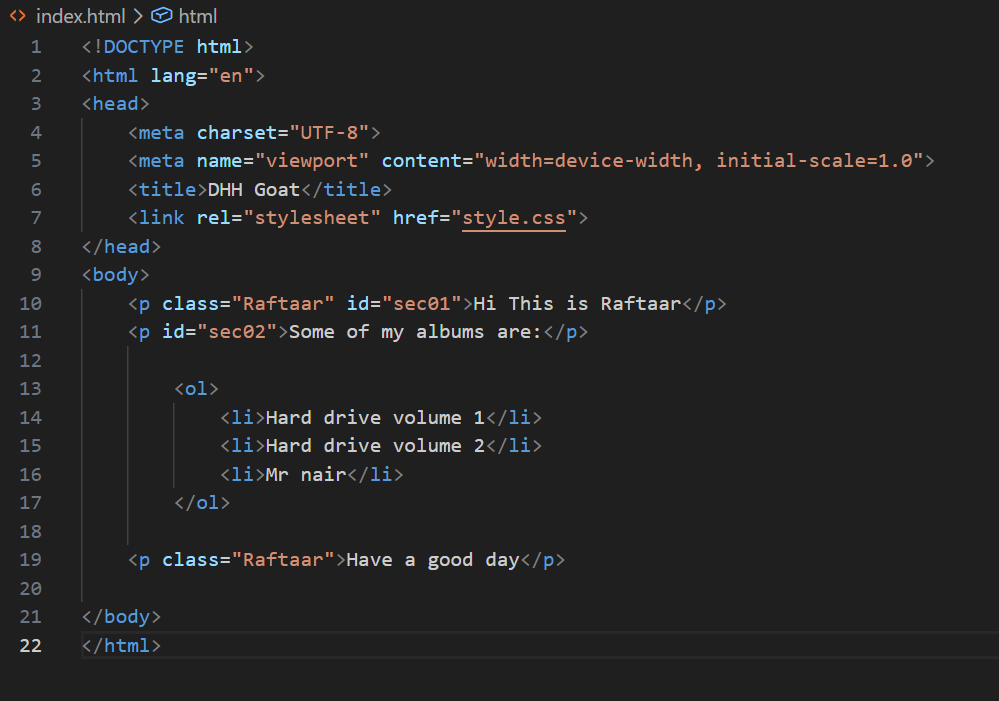
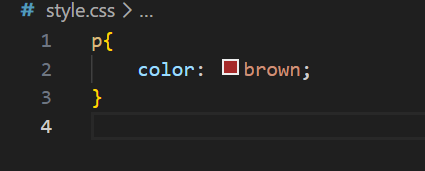
This is the least specific way of selecting an element. As we know, HTML consists of various elements, and you just have to write the element name to select it. Once the element is selected, you can change its properties such as color, font size, background, margin, padding, etc. This type of selector applies the same style to all elements of that particular type present on the web page, making it useful for setting default styles across the document.
x
Output-
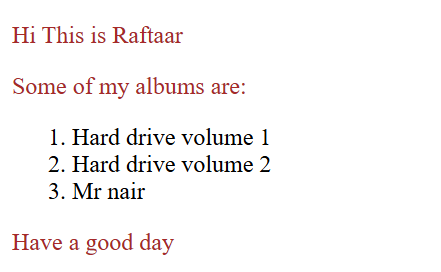
The above displays how every element of p have the same attribute.
Class Selector
Through this selector which can target specific classes. As you might have observed in the HTML code, certain elements have extra attribute of class. Many elements can have same class, hence selecting elements becomes easier. Ex-
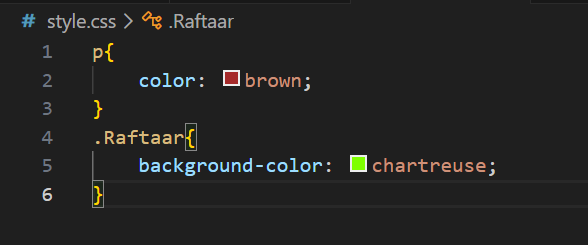
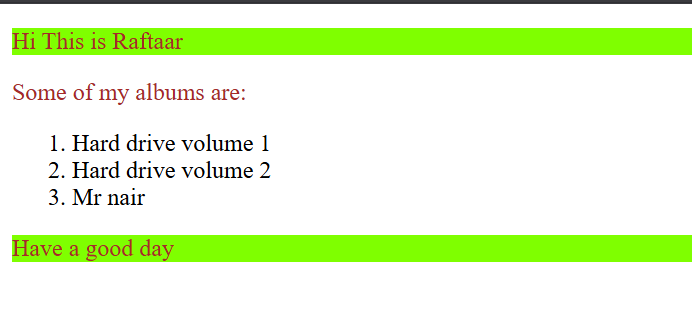
As you can see, only the class Raftaar background color got changed. In CSS classes are select using . keyword.
ID Selector
This is the most specific way of selecting an element.
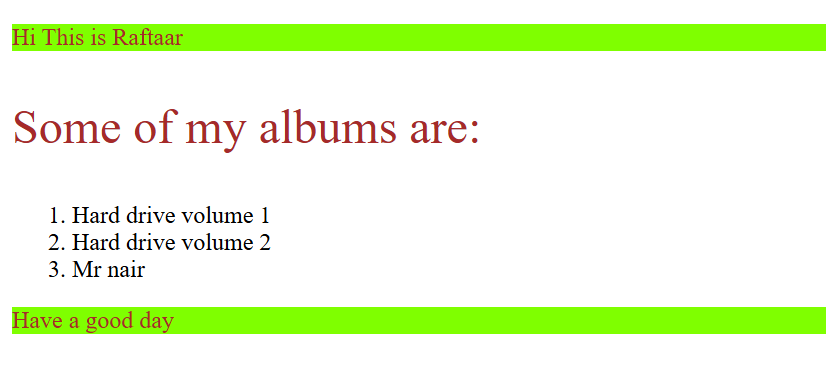
An element can have only one id, and an id can be assigned to only one element on a web page. Because of this one-to-one relationship, the ID selector targets a single, unique element without any ambiguity. When you use an ID selector, CSS knows exactly which element you want to style, making it a very precise and powerful way of selection.
ID is selected using # keyword. Ex-
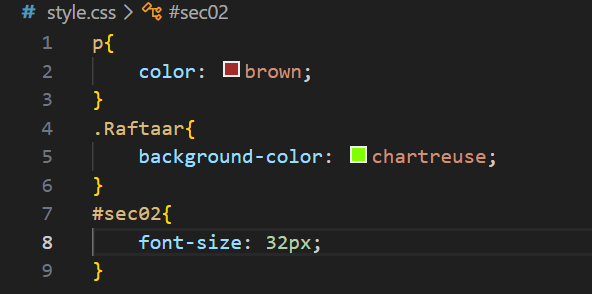
Never start ID name with numbers. It is invalid in CSS.
Selectors Priority
When multiple selectors target the same element, CSS follows a priority system called specificity.
Priority Order:
ID Selector (highest priority)
Class Selector
Element Selector (lowest priority)

A simple Analogy to understand Selectors
Think of CSS selectors like calling people in a crowd:
Element Selector is like calling a name loudly:
“Rahul!”
Many people might respond.Class Selector is like calling a group:
“All CSE students!”
Fewer people respond, but still more than one.ID Selector is like calling a person by full name and roll number:
“Rahul Sharma, roll number 23!”
Only one person responds, no confusion.
That’s why ID selectors override class selectors, and class selectors override element selectors.
Summary
Through this blog we have understood how to apply CSS to specific elements. The element selector is the most massy one selecting all elements, the class selector is used to select elements belonging to same class and id selector, the most specific one is used to target and style single elements.